

Getting a large language model to run inside a Jupyter notebook is straightforward. Serving that same model in an enterprise production cluster—handling thousands of concurrent requests, achieving sub-50ms Time-to-First-Token, optimizing GPU memory bandwidth, and maintaining zero-downtime rolling deployments—is one of the hardest infrastructure challenges in systems engineering.
Traditionally, operations teams spent weeks configuring CUDA toolchains, compiling custom FlashAttention kernels, configuring Triton Inference Server, and tuning continuous batching parameters. NVIDIA NIM (NVIDIA Inference Microservice) eliminates this friction by packaging pre-compiled, hardware-optimized AI model engines into self-contained Docker containers.
What Is Inside a NIM Container?
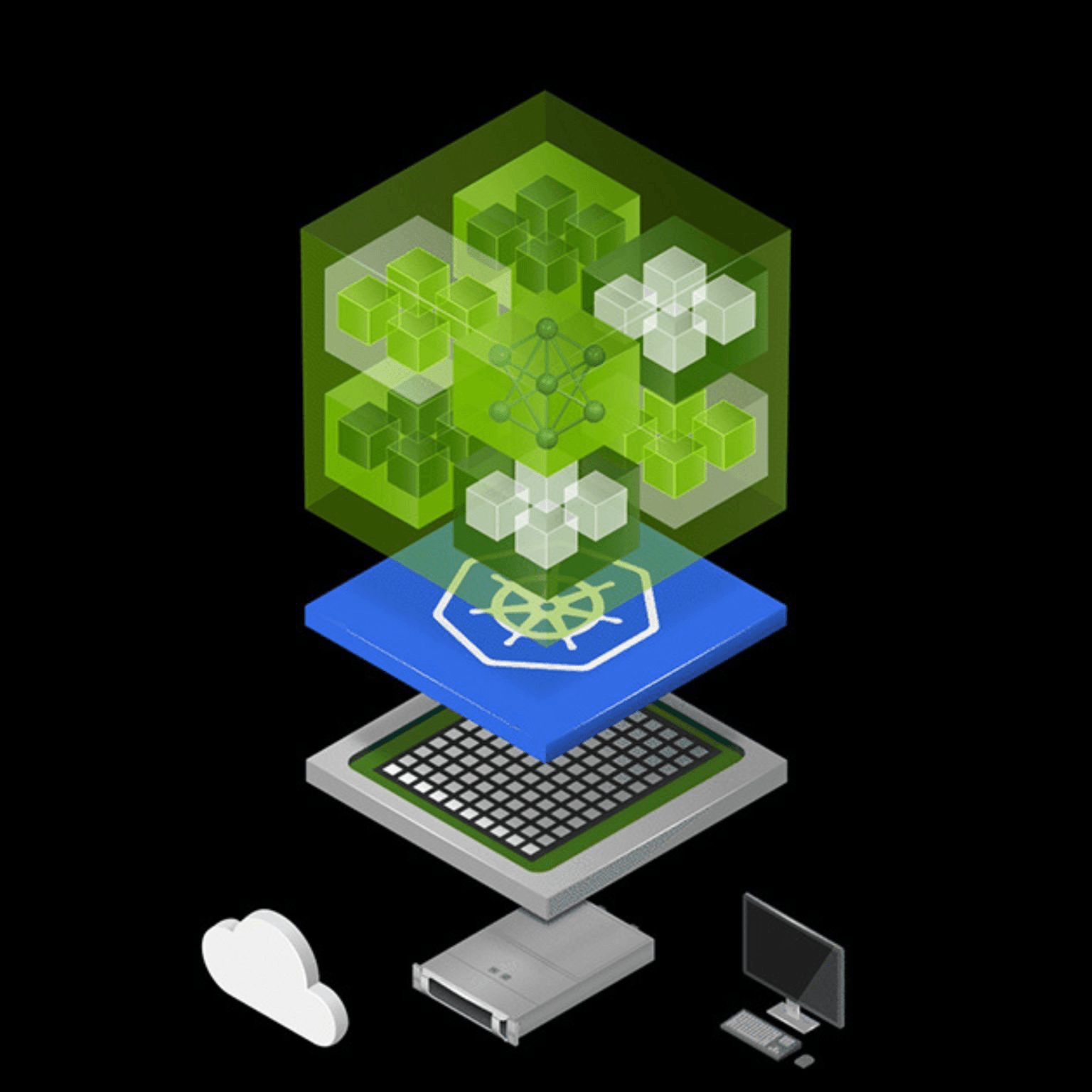
A NIM is not just a raw Python server running PyTorch. Each OCI container packages a high-performance serving stack specifically compiled for target GPU microarchitectures (Hopper H100, Blackwell B200, Ada Lovelace, Ampere A100):
- TensorRT-LLM: NVIDIA's deep-learning compiler that fuses transformer layers, quantizes weights (FP8, INT4 AWQ), and implements optimized paged KV-cache attention kernels.
- In-Flight (Continuous) Batching: Dynamically interleaving new incoming requests into currently executing token generation cycles at the iteration level, maximizing GPU tensor core saturation.
- Triton Inference Server: Enterprise-grade dynamic model scheduler with gRPC/HTTP endpoints, health probes, Prometheus metrics, and multi-GPU tensor-parallel orchestration.
- OpenAI-Compatible REST API: Exposing standard
/v1/chat/completionsand/v1/embeddingsschemas, allowing drop-in client compatibility.
Step-by-Step Production Deployment
Deploying a state-of-the-art model (such as Llama 3.1 8B Instruct) on an NVIDIA GPU server takes under three minutes:
# 1. Authenticate to the NVIDIA Container Registry with NGC API Keyexport NGC_API_KEY="nvapi-your-real-ngc-key"echo "$NGC_API_KEY" | docker login nvcr.io --username '$oauthtoken' --password-stdin# 2. Configure local cache directory on high-speed NVMe to persist downloaded weightsexport LOCAL_NIM_CACHE=$HOME/.cache/nimmkdir -p "$LOCAL_NIM_CACHE"# 3. Run the optimized Llama 3.1 container with GPU passthroughdocker run -d --name meta-llama3-8b \--gpus all \--shm-size=16GB \-e NGC_API_KEY="$NGC_API_KEY" \-v "$LOCAL_NIM_CACHE:/opt/nim/.cache" \-p 8000:8000 \nvcr.io/nim/meta/llama-3.1-8b-instruct:latest
Once initialized, verify the local microservice with an OpenAI-compatible curl request:
curl -X POST "http://localhost:8000/v1/chat/completions" \-H "Content-Type: application/json" \-d '{"model": "meta/llama-3.1-8b-instruct","messages": [{"role": "user", "content": "Explain GPU tensor cores in two sentences."}],"temperature": 0.2,"max_tokens": 100}'
The Seamless Hybrid Transition
What makes NIM particularly compelling is API parity with NVIDIA's cloud-hosted catalog (integrate.api.nvidia.com). During development, you can point your SDK directly at NVIDIA's hosted endpoints with zero local hardware. When scaling to production or complying with strict air-gapped data governance, you simply swap the base URL to your on-premises Kubernetes cluster or private VPC.