

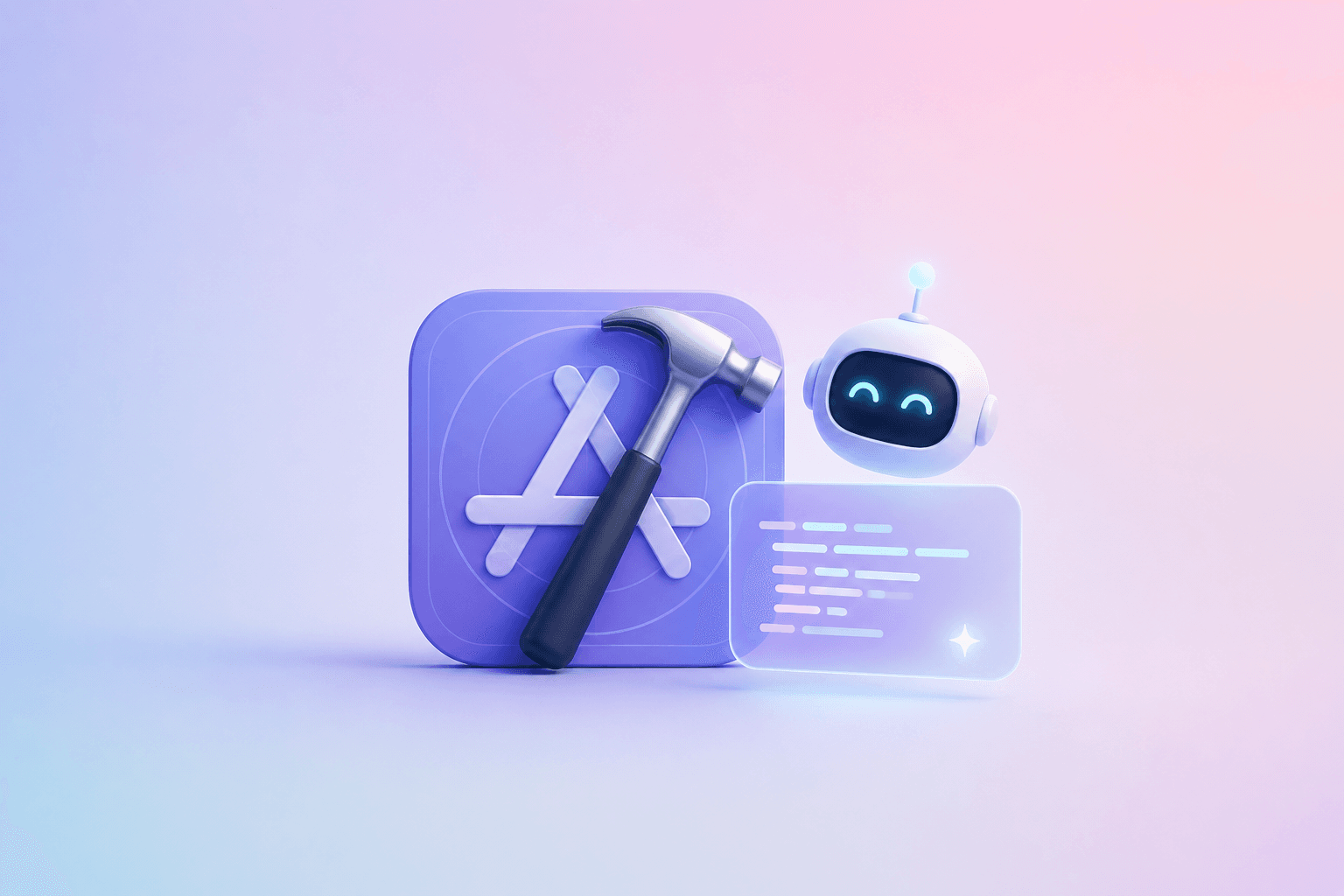
When Apple announced Predictive Code Completion and Swift Assist in Xcode 16, the developer community watched closely to see how Cupertino would respond to Microsoft's GitHub Copilot and Cursor. While competitors focused almost exclusively on massive cloud models, Apple leveraged its greatest architectural advantage: unified memory and the Apple Neural Engine (ANE).
The Local-First Architecture: Zero Cloud Roundtrips
The standout differentiator of Xcode's code completion is that it runs 100% locally on your Mac. Powered by a specialized foundation model fine-tuned specifically for Swift and Apple frameworks (SwiftUI, SwiftData, UIKit), the model is quantized to execute efficiently on the 16-core Neural Engine of M-series chips.
- Sub-20ms Latency: Because tokens are generated locally across the unified memory bus, completions appear seamlessly as you type, with none of the 300–800ms network jitter common in cloud-backed assistants.
- True Offline Capability: You can build, refactor, and receive intelligent code suggestions at 35,000 feet on an airplane or in air-gapped secure development environments.
- Enterprise Privacy: Proprietary source code never leaves the developer's laptop, eliminating corporate compliance barriers and IP leakage risks.
Swift Assist: Bridging Local and Cloud Intelligence
For complex, broad architectural tasks—such as converting legacy completion-handler code to modern async/await actors or generating comprehensive XCTest suites—Apple introduced Swift Assist. Unlike completion, Swift Assist handles high-level conversational directives and routes computationally intensive reasoning tasks to Private Cloud Compute (PCC) when needed, backed by cryptographic privacy guarantees.
// Xcode 16 Predictive Completion infers context from surrounding SwiftUI propertiesstruct SpaceArticleCard: View {let title: Stringlet readingTime: Intvar body: some View {// Predictive completion suggests idiomatic SwiftUI styling instantly:VStack(alignment: .leading, spacing: 8) {Text(title).font(.headline).foregroundStyle(.primary)Text("\(readingTime) min read").font(.caption).foregroundStyle(.secondary)}.padding().background(RoundedRectangle(cornerRadius: 12).fill(Color(.secondarySystemBackground)))}}
The Broader Takeaway for DevTools
Apple's integration in Xcode signals the future of developer tooling: ambient, local-first intelligence. Rather than forcing engineers into a chat sidebar, AI should exist invisibly inside the compiler and editor, accelerating code authoring with zero friction and absolute privacy.