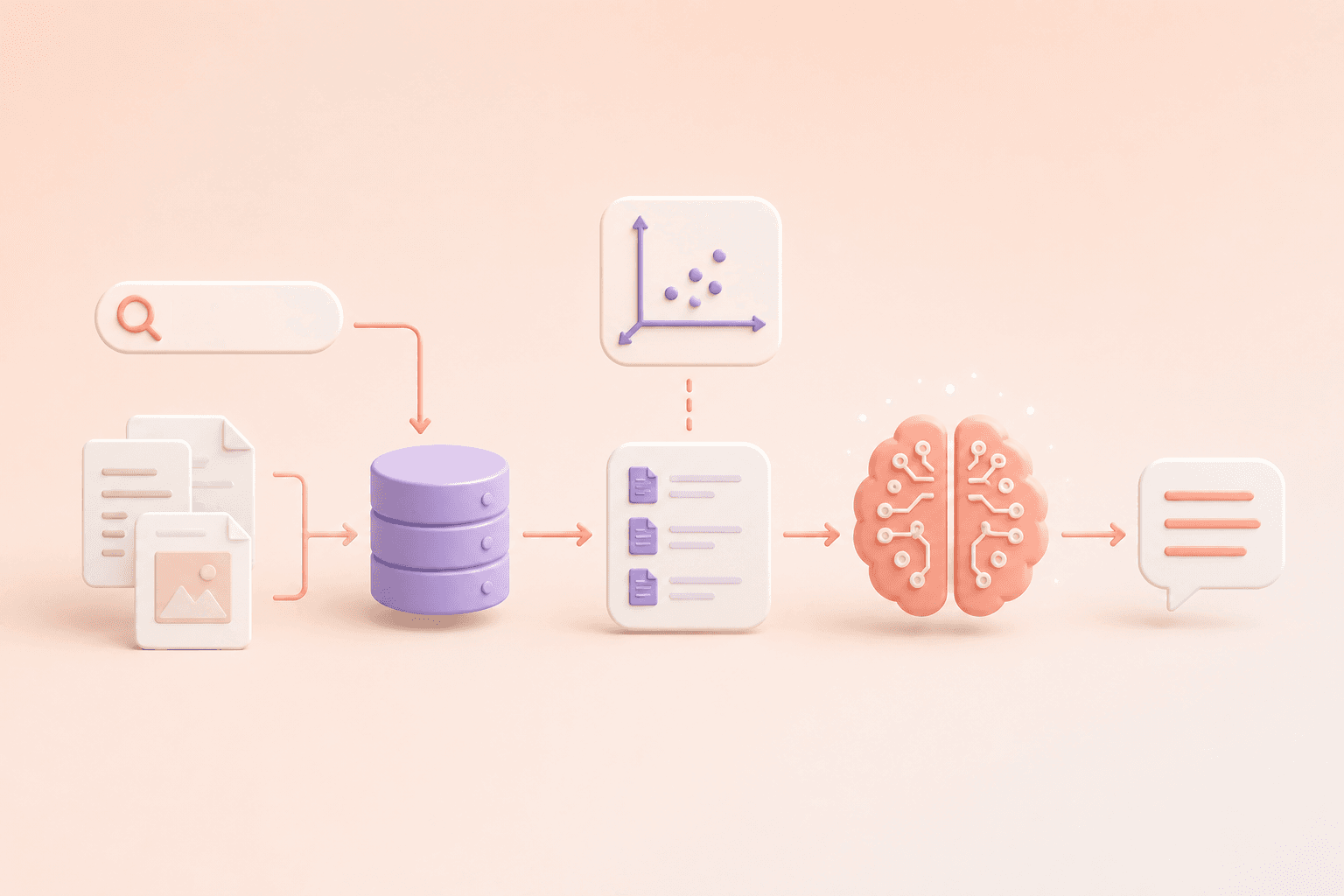



When building production document question-answering systems, the storage layer dictates your latency, scalability, and cost. While local in-memory vector stores (like Chroma or FAISS) work for local prototypes, enterprise corpuses require a managed, serverless vector database capable of scaling to millions of documents with sub-50ms similarity search.
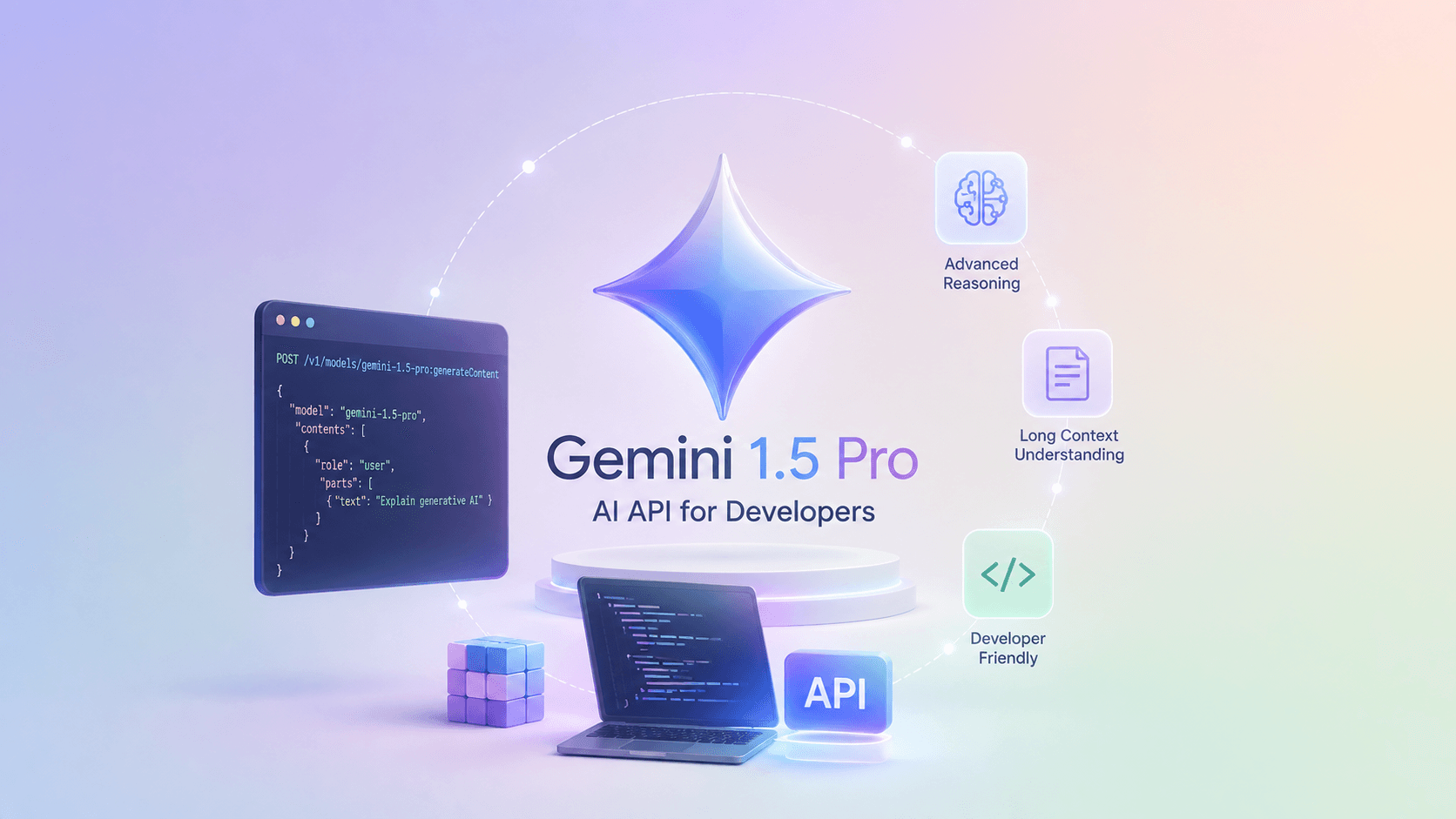
In this project, I paired Pinecone Serverless with Google's Gemini foundation models. Pinecone handles high-throughput dense index retrieval, while Gemini processes the extracted context chunks to produce nuanced, cited answers.
The Clean Separation of Storage and Synthesis
The most important design principle is separating retrieval from reasoning. Pinecone stores floating-point vectors along with document metadata (page number, source filename, author, department), but it knows nothing about conversational logic. Gemini receives only the filtered, high-relevance chunks and produces the final answer.
This separation allows you to debug issues in isolation: if the answer is factually incorrect, you check the cosine similarity scores and retrieved chunks from Pinecone. If the chunks are accurate but the answer is incomplete, you tune the Gemini system prompt or temperature.
An End-to-End Pipeline in Python
Here is a complete implementation using the modern pinecone client and Google's google-genai SDK:
import osfrom pinecone import Pinecone, ServerlessSpecfrom google import genaifrom google.genai import types# 1. Initialize Clientspinecone_client = Pinecone(api_key=os.environ["PINECONE_API_KEY"])gemini_client = genai.Client(api_key=os.environ["GEMINI_API_KEY"])index_name = "space-kb"# 2. Create Serverless Index if not existsif index_name not in [idx.name for idx in pinecone_client.list_indexes()]:pinecone_client.create_index(name=index_name,dimension=768, # Matches Google text-embedding-004metric="cosine",spec=ServerlessSpec(cloud="aws", region="us-east-1"))index = pinecone_client.Index(index_name)# 3. Helper: Generate Embeddings using Google text-embedding-004def embed_text(text: str) -> list[float]:response = gemini_client.models.embed_content(model="text-embedding-004",contents=text,)return response.embeddings[0].values# 4. Ingest Documents with Metadatadocuments = [{"id": "doc1", "text": "Next.js App Router uses React Server Components by default.", "category": "frontend"},{"id": "doc2", "text": "Turso SQLite runs libSQL databases distributed at the edge.", "category": "database"},]upsert_batch = []for doc in documents:upsert_batch.append({"id": doc["id"],"values": embed_text(doc["text"]),"metadata": {"text": doc["text"], "category": doc["category"]}})index.upsert(vectors=upsert_batch)# 5. Query with Metadata Filteringuser_query = "What database does the blog use?"query_vector = embed_text(user_query)query_response = index.query(vector=query_vector,top_k=2,include_metadata=True,filter={"category": {"$eq": "database"}} # Server-side metadata filtering)retrieved_texts = [match.metadata["text"] for match in query_response.matches]context_block = "\n".join(retrieved_texts)# 6. Synthesize Grounded Answer with Geminisynthesis = gemini_client.models.generate_content(model="gemini-2.0-flash",contents=f"Context:\n{context_block}\n\nQuestion: {user_query}\n\nAnswer:",config=types.GenerateContentConfig(system_instruction="Answer the question factually using only the provided context.",temperature=0.1))print("Synthesized Response:\n", synthesis.text)
Key Engineering Considerations
Two lessons emerged from testing this setup at scale:
- Metadata Filtering Before Vector Search: Applying hard metadata filters (e.g.
tenant_id,department, ordate_range) inside the Pinecone query ensures privacy isolation and slashes the search candidate space before cosine calculations occur. - Embedding Dimension Immutability: The index dimension (768) is permanently locked at creation. If you upgrade from
text-embedding-004to a future 1536-dimensional model, you must provision a new index and backfill your corpus.
The complete open-source codebase and walkthrough are available in my GitHub repository.