

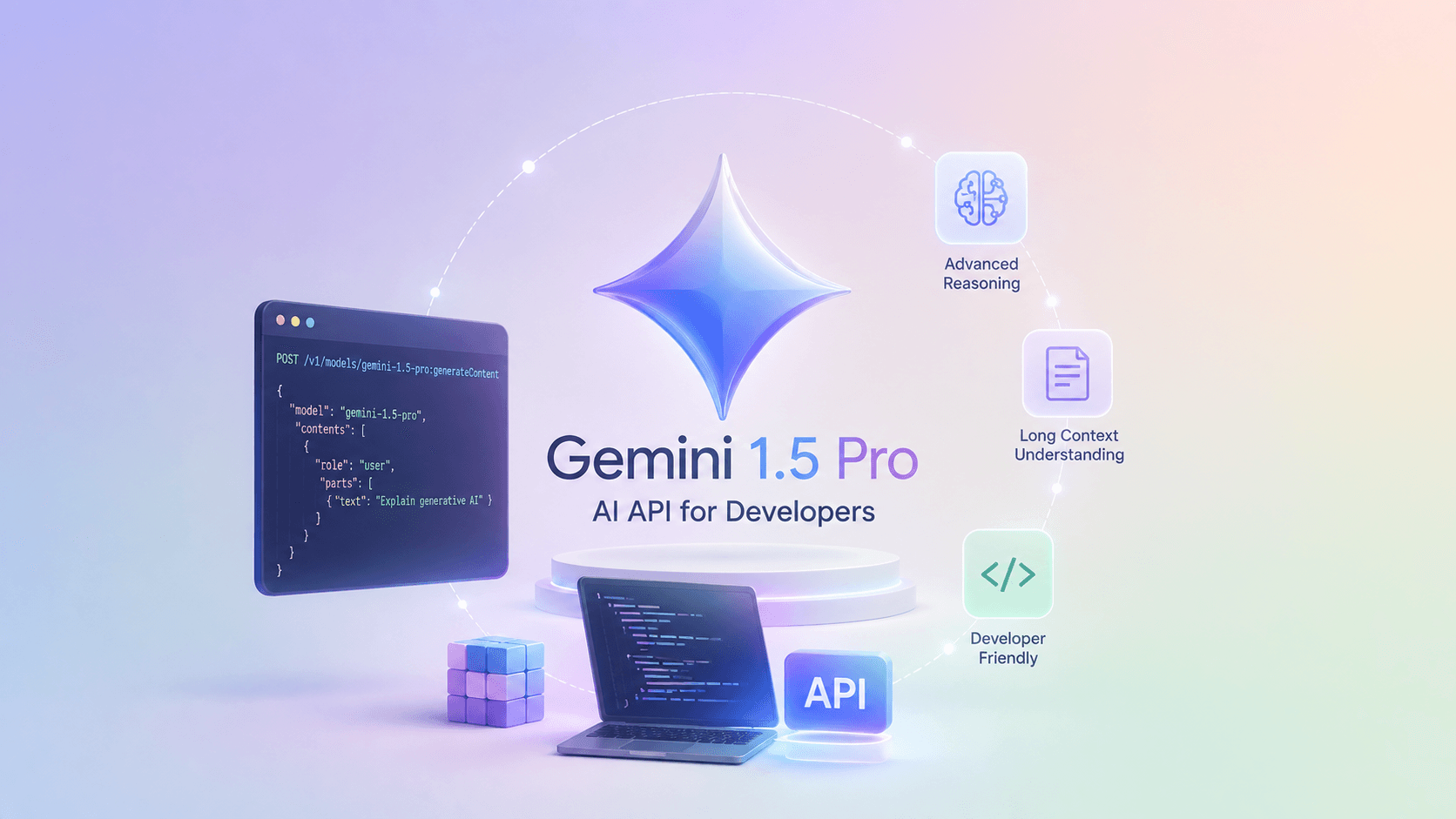
Google's release of the Gemini 1.5 Pro and Gemini 2.0 Flash models via Google AI Studio marked a watershed moment for AI engineers. Beyond the generous free developer tier (which allows prototyping without immediate billing), Gemini fundamentally changed context economics with its 2,000,000 token context window and native multimodality.
The Multimodal and Long-Context Breakthrough
Unlike legacy models that relied on bolted-on optical character recognition (OCR) or separate vision encoders, Gemini was trained natively across interleaved text, image, audio, and video tokens. You can feed Gemini a 45-minute video recording of a software bug or a 300-page PDF of financial filings, and it treats the entire stream as first-class tokens in unified attention space.
Production Code with the google-genai SDK
Google has unified its client libraries under the modern google-genai Python library. Here is how to generate structured, schema-validated JSON using Pydantic and Gemini 2.0 Flash:
import osfrom pydantic import BaseModel, Fieldfrom google import genaifrom google.genai import types# The SDK automatically reads GEMINI_API_KEY from environmentclient = genai.Client(api_key=os.environ.get("GEMINI_API_KEY"))# 1. Define strict output schemaclass CodeReviewReport(BaseModel):summary: str = Field(description="One-sentence executive summary of code quality")vulnerabilities: list[str] = Field(description="Security or memory leak concerns identified")quality_score: int = Field(ge=1, le=10, description="Overall code quality score between 1 and 10")# 2. Invoke model with schema enforcementcode_snippet = """def get_user_profile(user_id):# Direct SQL interpolation without parameterized queriesquery = f"SELECT * FROM users WHERE id = '{user_id}'"return db.execute(query)"""response = client.models.generate_content(model="gemini-2.0-flash",contents=f"Perform a strict security and quality review on this code:\n{code_snippet}",config=types.GenerateContentConfig(system_instruction="You are a Principal Security Engineer. Enforce absolute adherence to the JSON schema.",response_mime_type="application/json",response_schema=CodeReviewReport,temperature=0.0,))# 3. Parsed and verified directly via Pydanticreport: CodeReviewReport = response.parsedprint(f"Quality Score: {report.quality_score}/10")print("Summary:", report.summary)print("Vulnerabilities:", report.vulnerabilities)
Navigating Free Tiers and Enterprise Privacy
When developing on Google AI Studio, understanding data privacy terms is vital:
- AI Studio Free Tier: Perfect for personal hacking and open experimentation (15 requests per minute). However, prompts and completions may be reviewed by human evaluators and used to train Google models.
- Pay-As-You-Go / Vertex AI: The moment you attach a billing account or deploy through Google Cloud Vertex AI, data privacy terms strictly prohibit Google from using customer prompts or model responses for model retraining.