


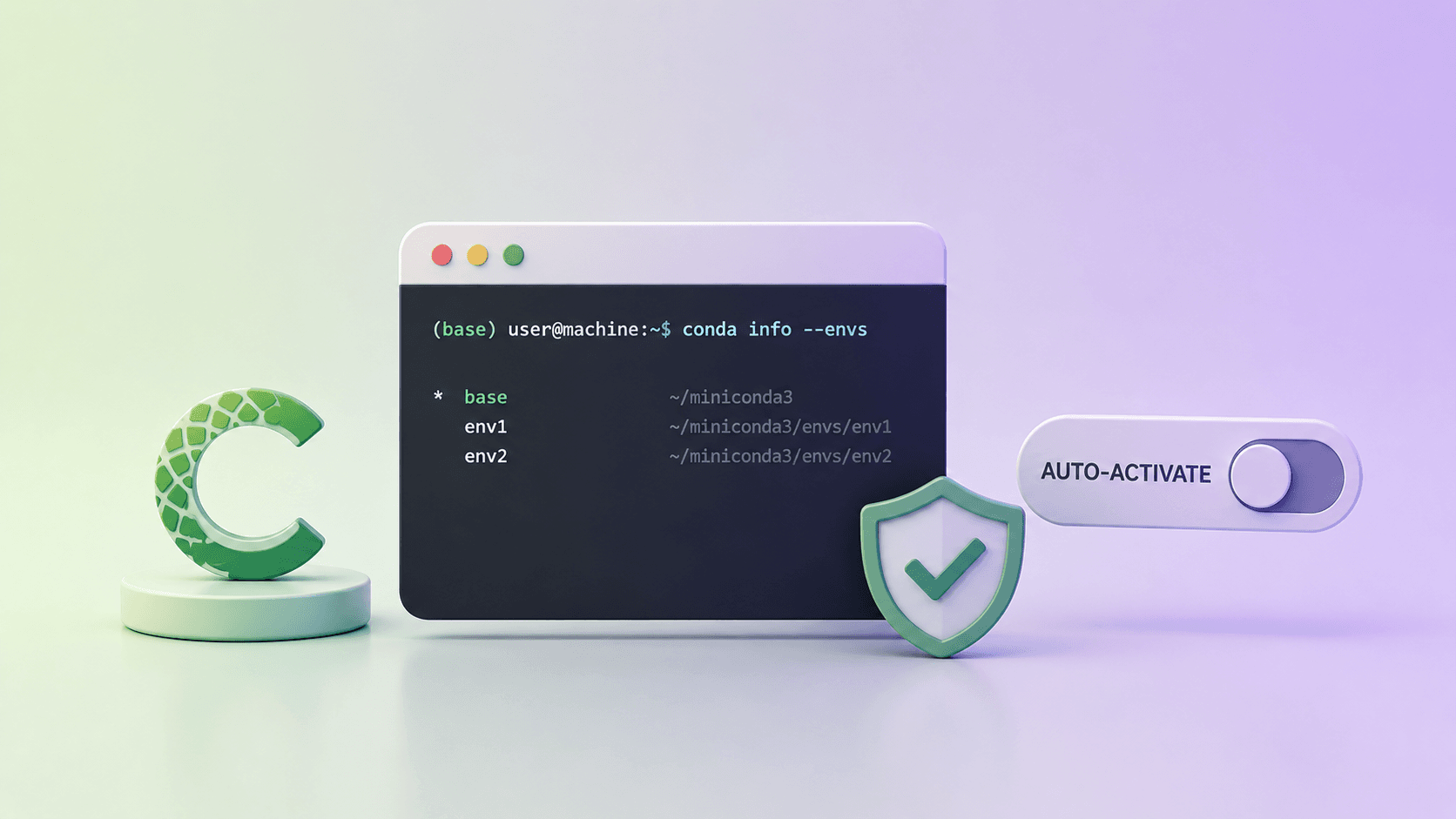
I was getting slow performance on my PC when using Conda, so I looked at disabling the automatic activation of the base environment on Kali. It takes one command.
conda config --set auto_activate_base false
What that does, piece by piece:
conda configmodifies Conda configuration settings.--setsets a configuration variable to a specific value.auto_activate_basedetermines whether Conda automatically activates the base environment when a new shell is opened. It defaults totrue.
Setting it to false disables that, which reduces the resources Conda uses on shell startup and helps with the sluggishness. If you need the base environment for a particular task, you can still activate it by hand with conda activate.
Where the setting lives
The command writes to ~/.condarc, which is a plain YAML file. You can edit it directly, and you can read it back to confirm the change took:
conda config --show auto_activate_basecat ~/.condarc
Open a new shell afterwards. The change applies to shells started after it, not the one you are sitting in.
So on a current install the same change is:
conda config --set auto_activate false
Either way the effect is the same. Your shell opens without conda getting involved, and you opt in when you actually want an environment.